
The wish lists of the people you know
Family and friends add what they wish for. You see what's taken, and remember the birthdays. No ads and no tracking.
- Free
- iPhone and iPad
- iOS 26 or later
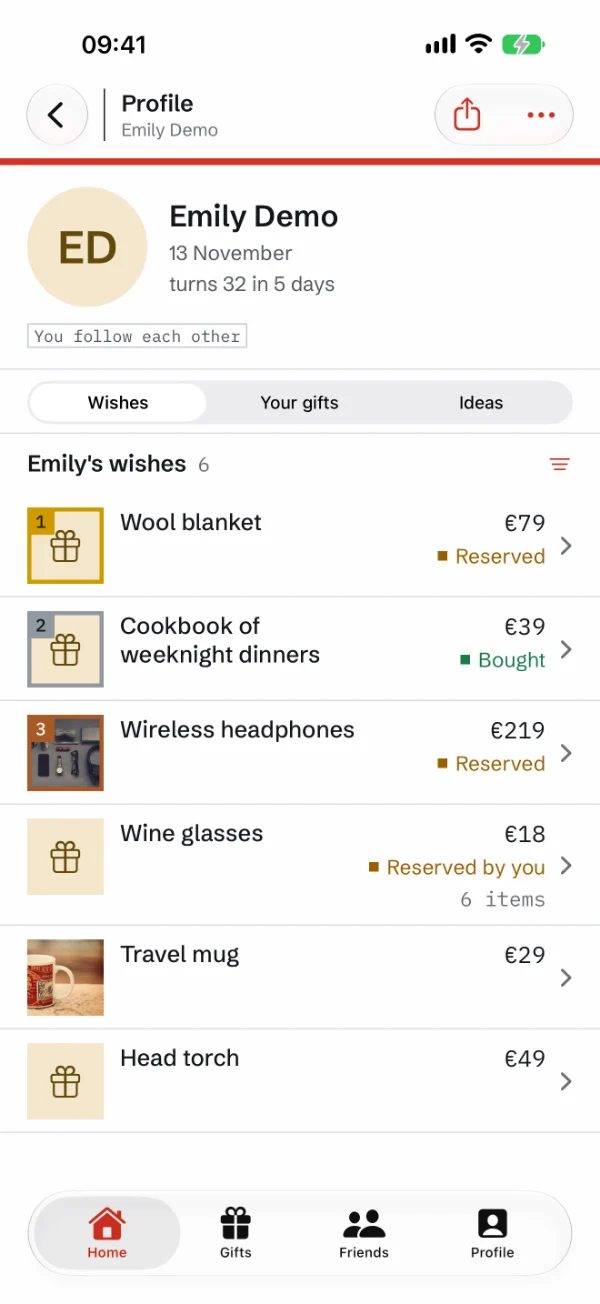
See what's taken
Reserve a wish, and the others see that it's taken. The person who wished for it never does.
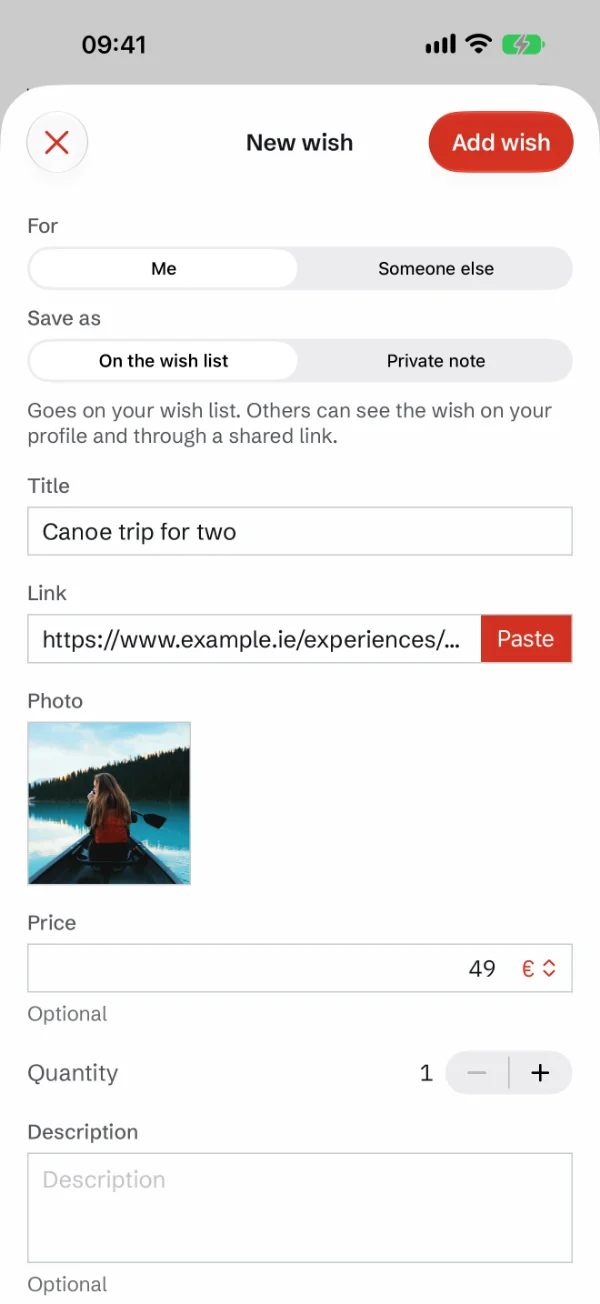
Add from any shop
Paste or share a link, and Gave fills in the name, price and photo.
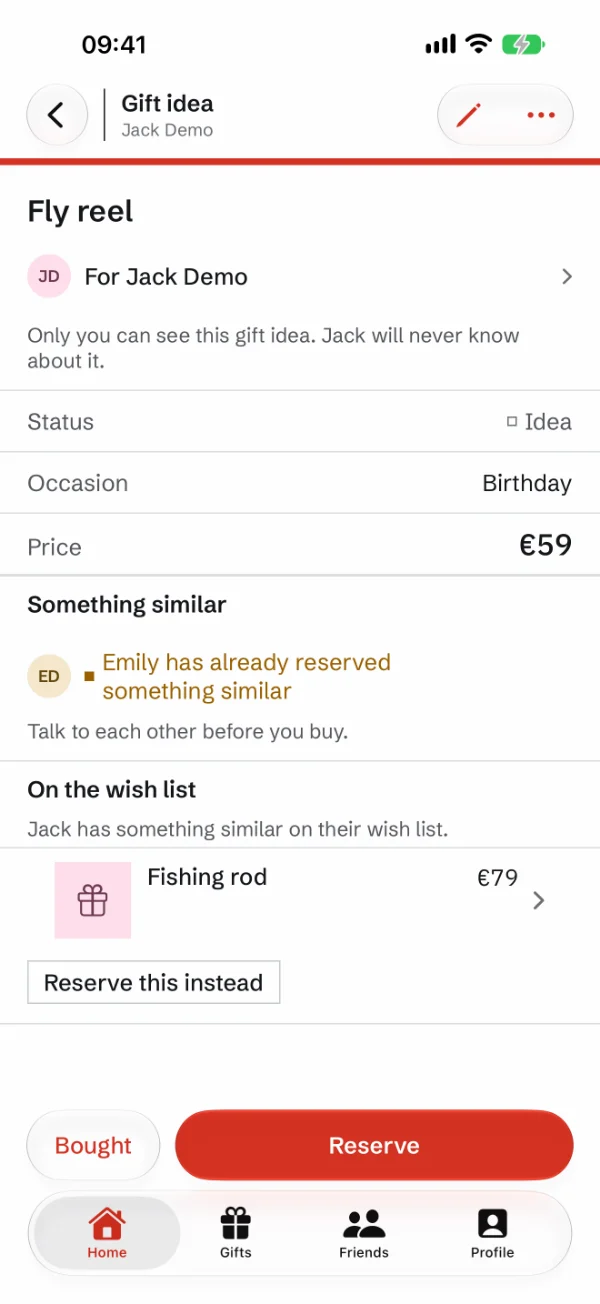
Secret gift ideas
Save a gift idea for someone you follow. Only you see it, and Gave tells you if someone else is planning something similar.
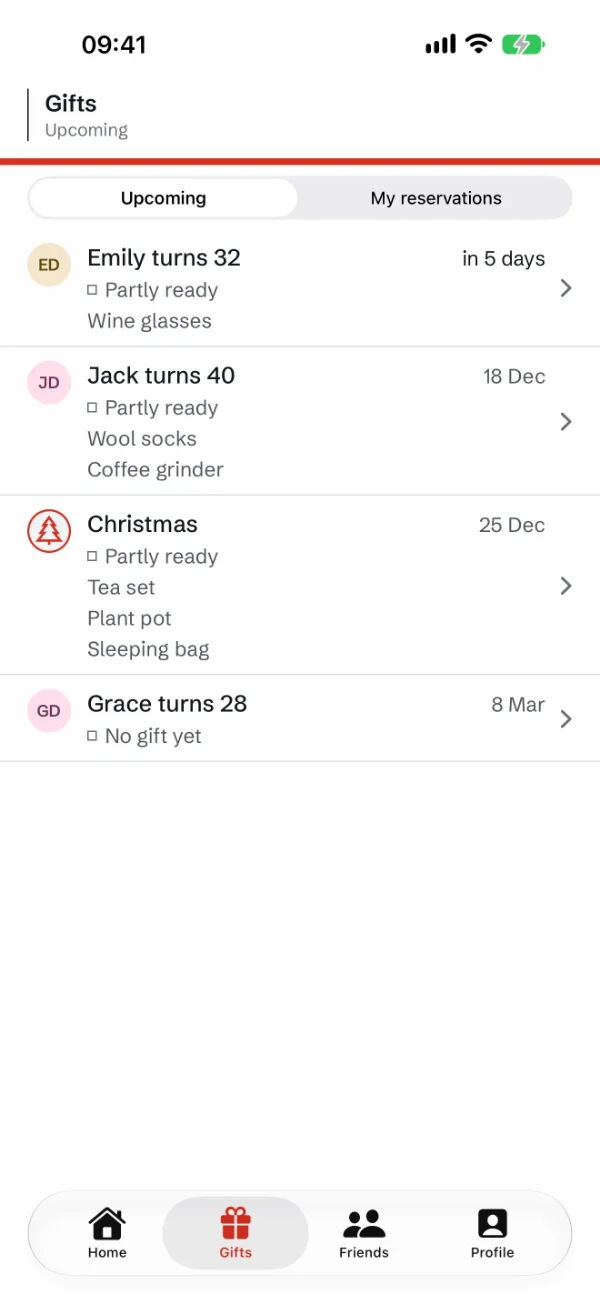
Remember birthdays and gifts
Gave shows who has a birthday soon, and what you've bought for each person.
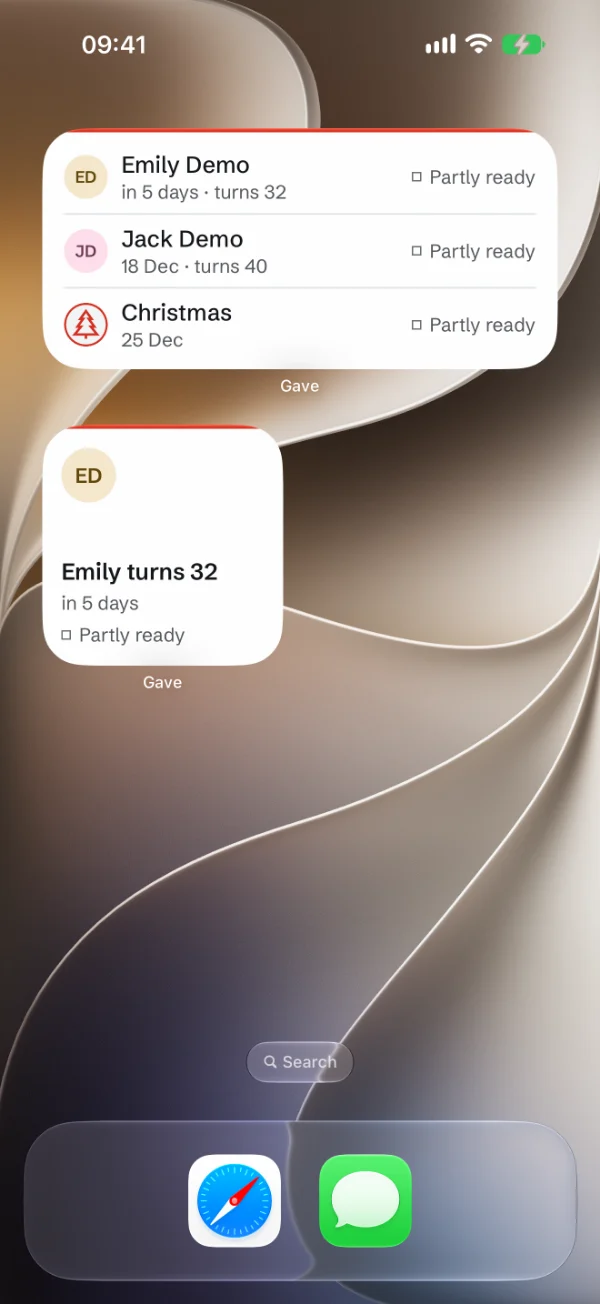
Birthdays on your Home Screen
See who has a birthday soon, and whether you have a gift ready, without opening the app.
A reminder before it's too late
Gave reminds you of birthdays and Christmas, and tells you about gifts you haven't bought yet.

Chip in on a gift
Add the people who are in on the gift, so you all see who's chipping in.

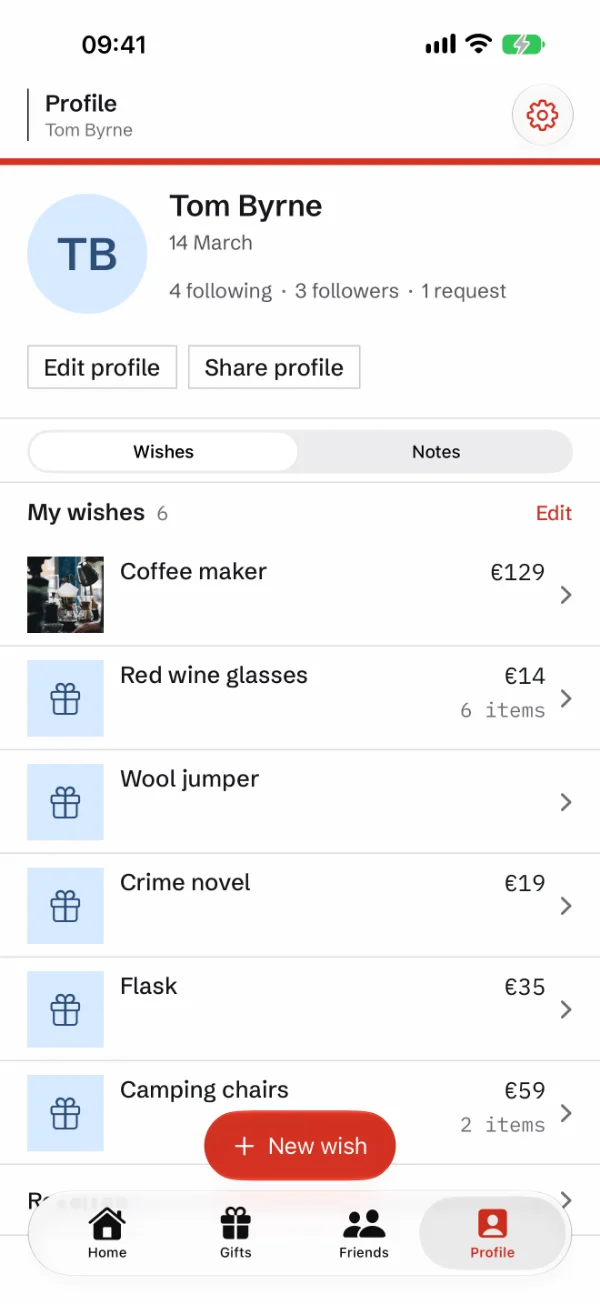
Your wish list, in your order
Add a photo, price and quantity. Drag the wishes into the order you want them.
Ask an AI assistant
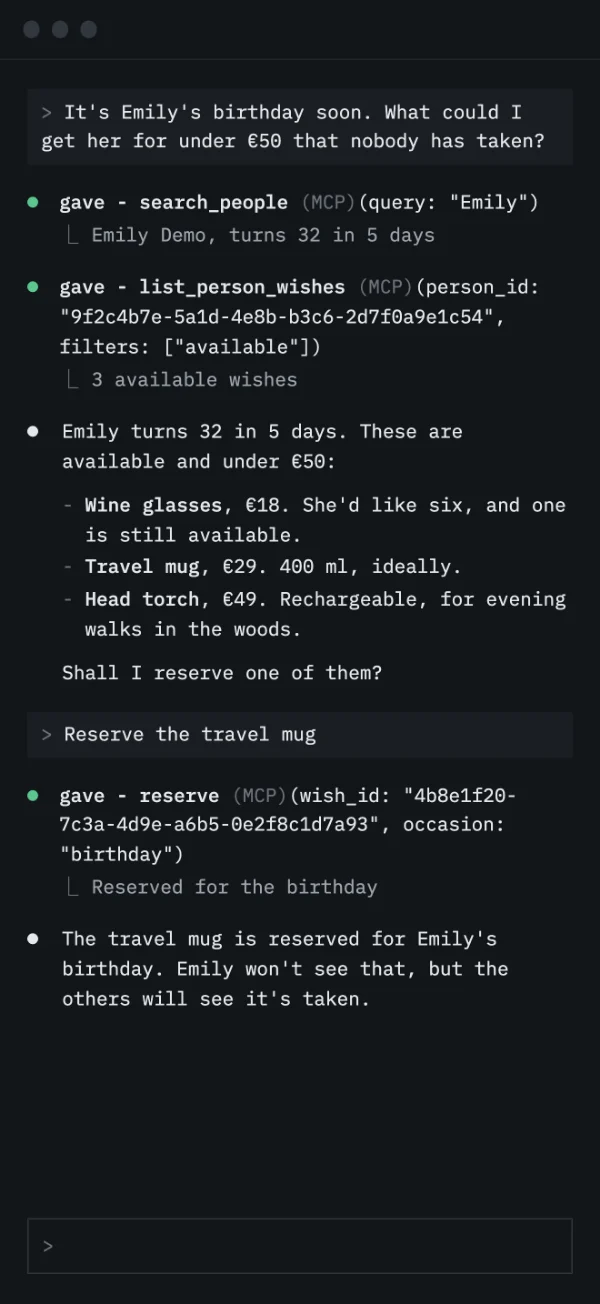
Connect Gave to your AI assistant, and ask what someone wishes for, or ask it to reserve.
Nobody trying to sell you anything
Gave is made for ordinary families, for what they actually need. There is no company behind it, and nobody who earns from your wishes.
- No ads
- No adverts and no paid partnerships.
- No commission
- Gave earns nothing from what you buy.
- No tracking
- No analytics tools. Your data is not sold.
- No recommendations
- Gave suggests nothing. The wishes come from people themselves.
- No trends
- No top lists and no explore page. You find people by name.
- Free
- No subscription and no in-app purchases.
Made and run in Norway
Gave runs on a server in Norway, and your data is stored there. Notifications go through Apple. Read the privacy policy
Connect an AI assistant
Add the address as a connector in your AI assistant, and sign in with your skar.cloud account. How to do it
Also in Gave
- Paste a link, and Gave fetches the photo and price
- Chip in on the big wishes
- Gift ideas only you can see
- Reminders 3, 7 or 14 days before
- Save wishes from any app
- Widget, Siri and Spotlight
- Connect an AI assistant
- Sign in with Apple, no password
- Read the wish lists offline
- Large text when you need it